Getting started
Install
git clone <this repo> && cd 1g1r-webui
ROMS=/path/to/roms docker compose up -d --build    # http://localhost:8077
ROMS is mounted at /roms. Database, DATs, caches and keys go to data/ in the clone.
Add romsets
A set is one folder with one platform. The first run points you through the steps.
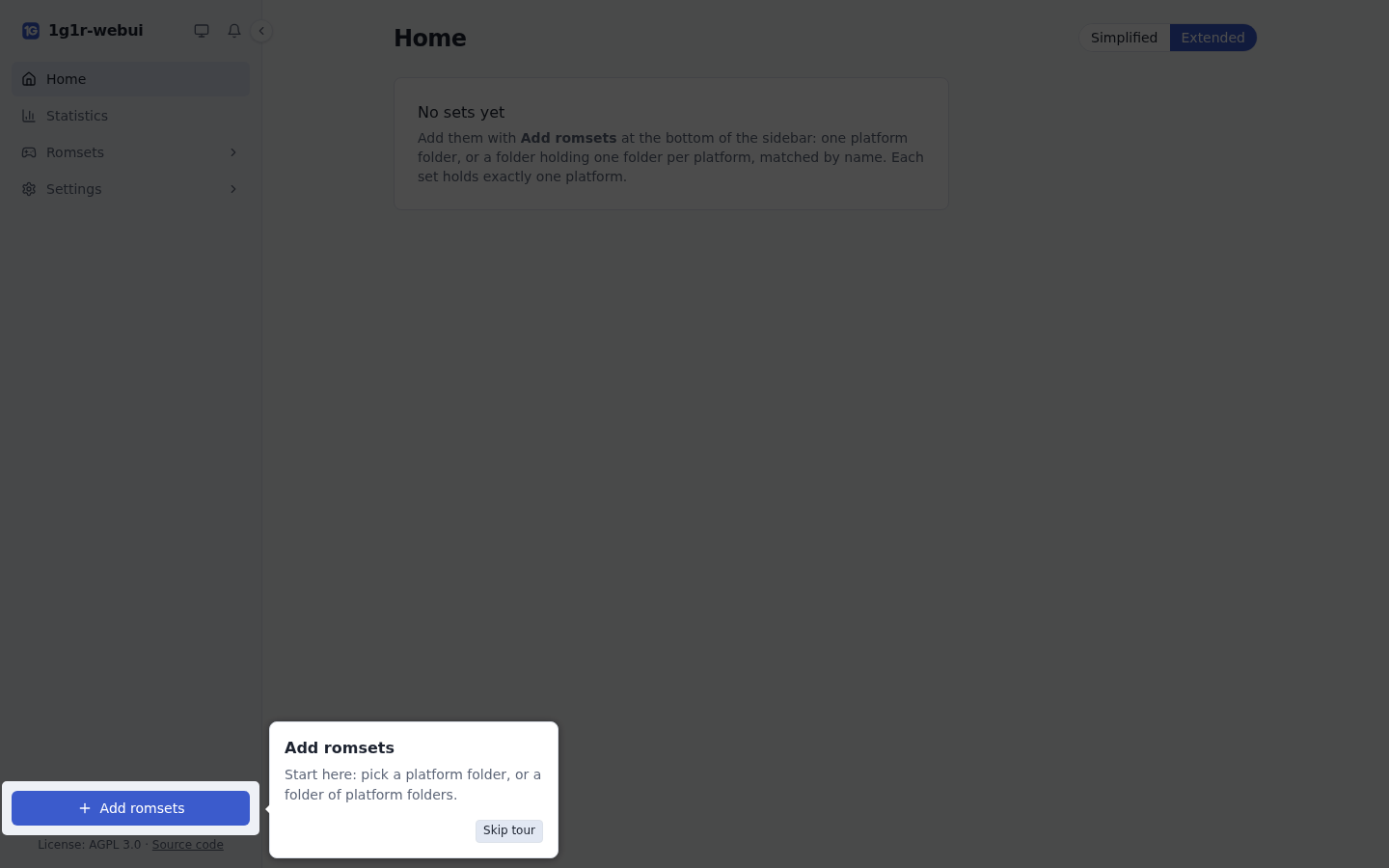
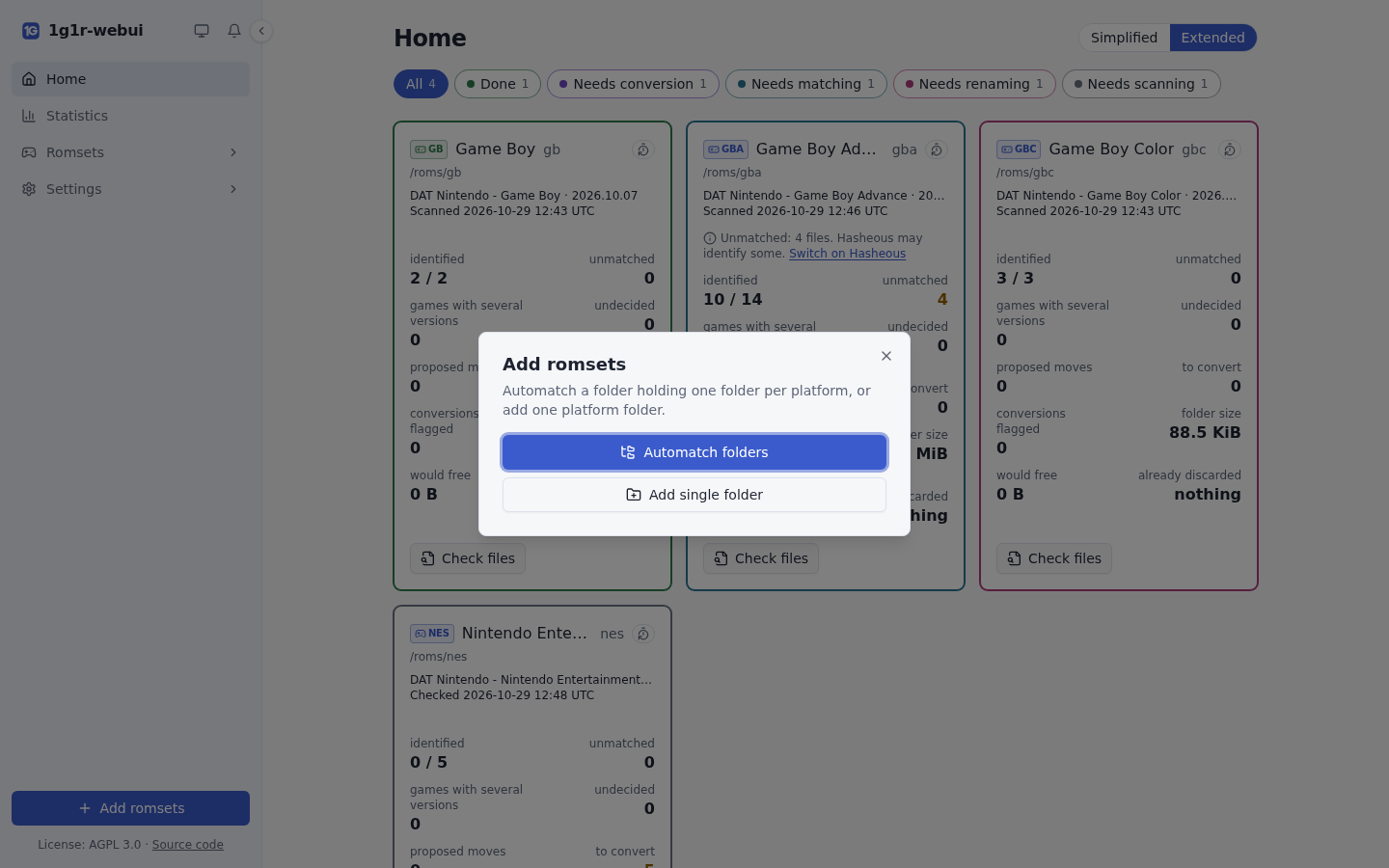
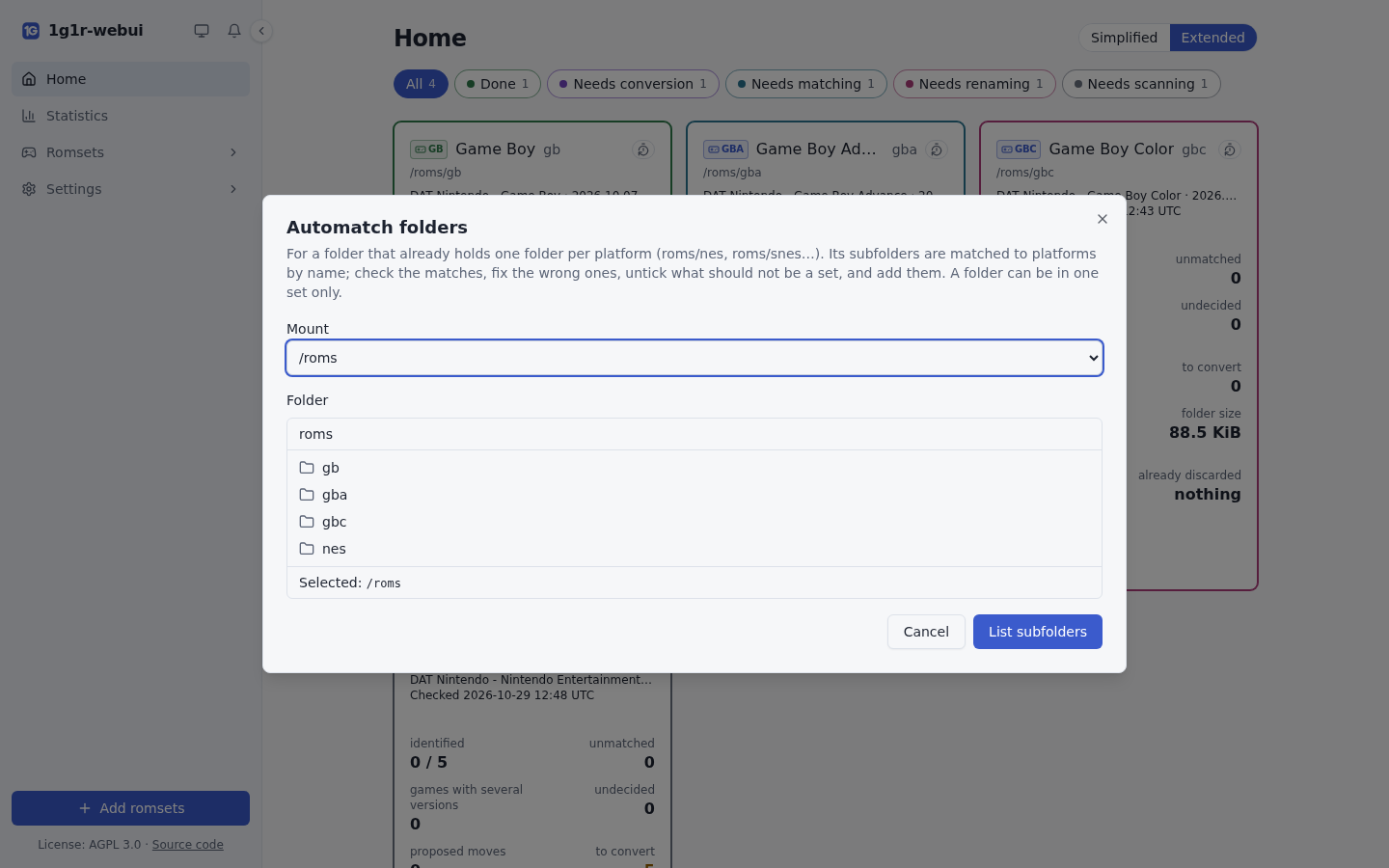
Add romsets → Add single folder, or Automatch folders for a folder of platform folders (roms/nes, roms/snes, …).
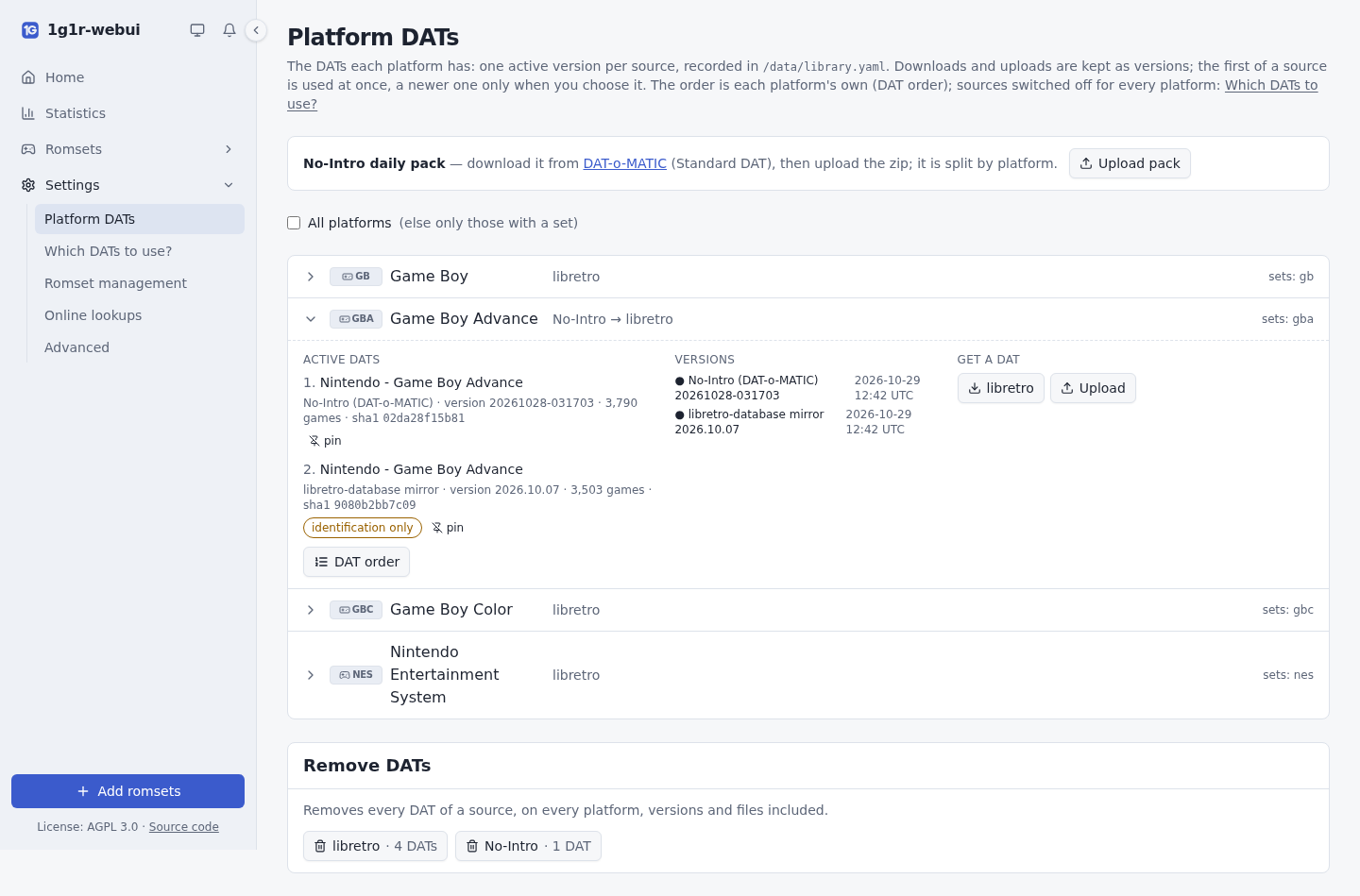
Get DATs
Settings → Platform DATs. Most download with one click.
Work through each set
Home shows what each set needs. Check files looks for new files; when it finds some, Scan takes its place. The auto-check badge on a card has the set checked by itself (interval in Settings → Advanced).
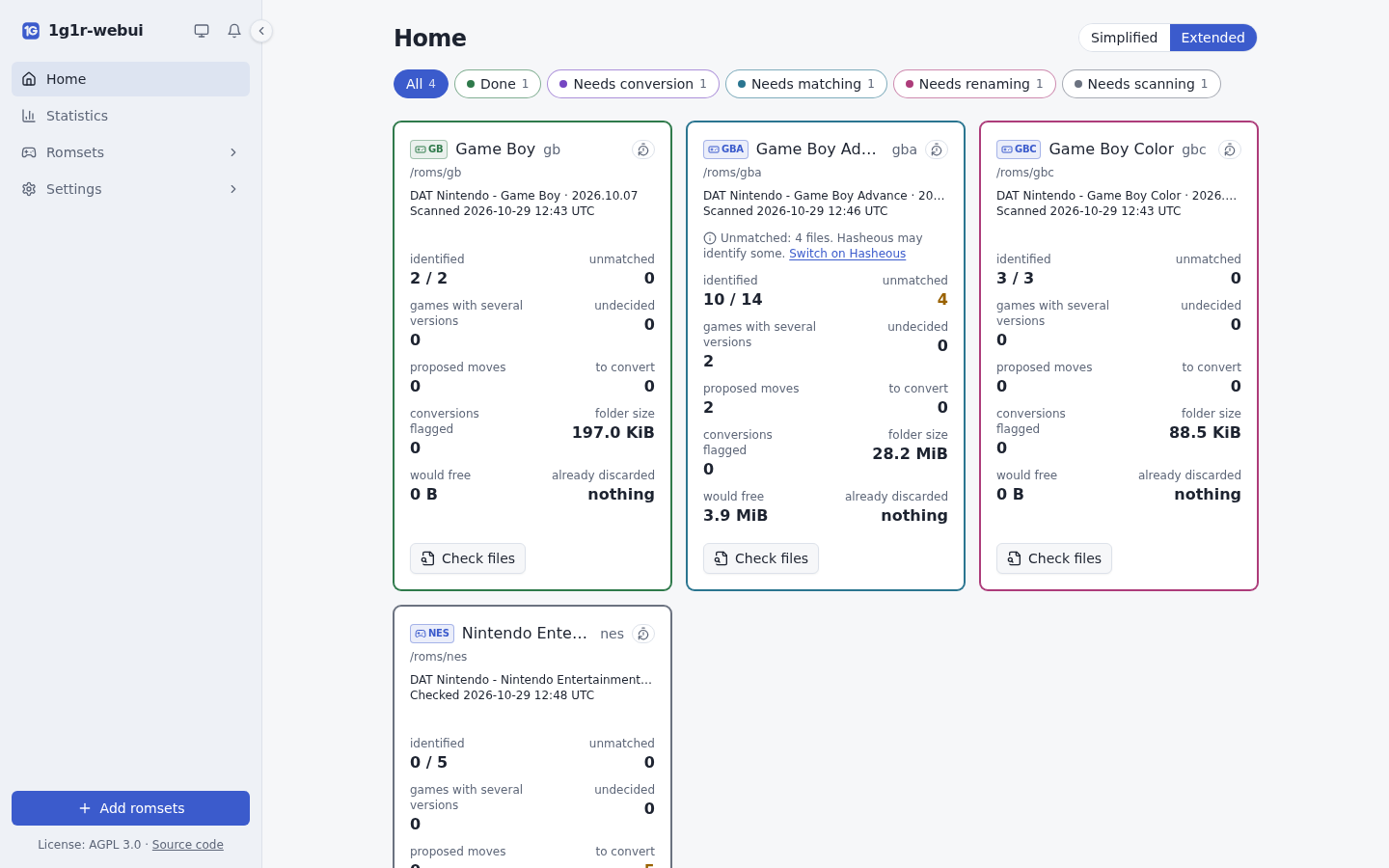
- Conversion
- Matching & 1G1R
- Renaming (off by default)
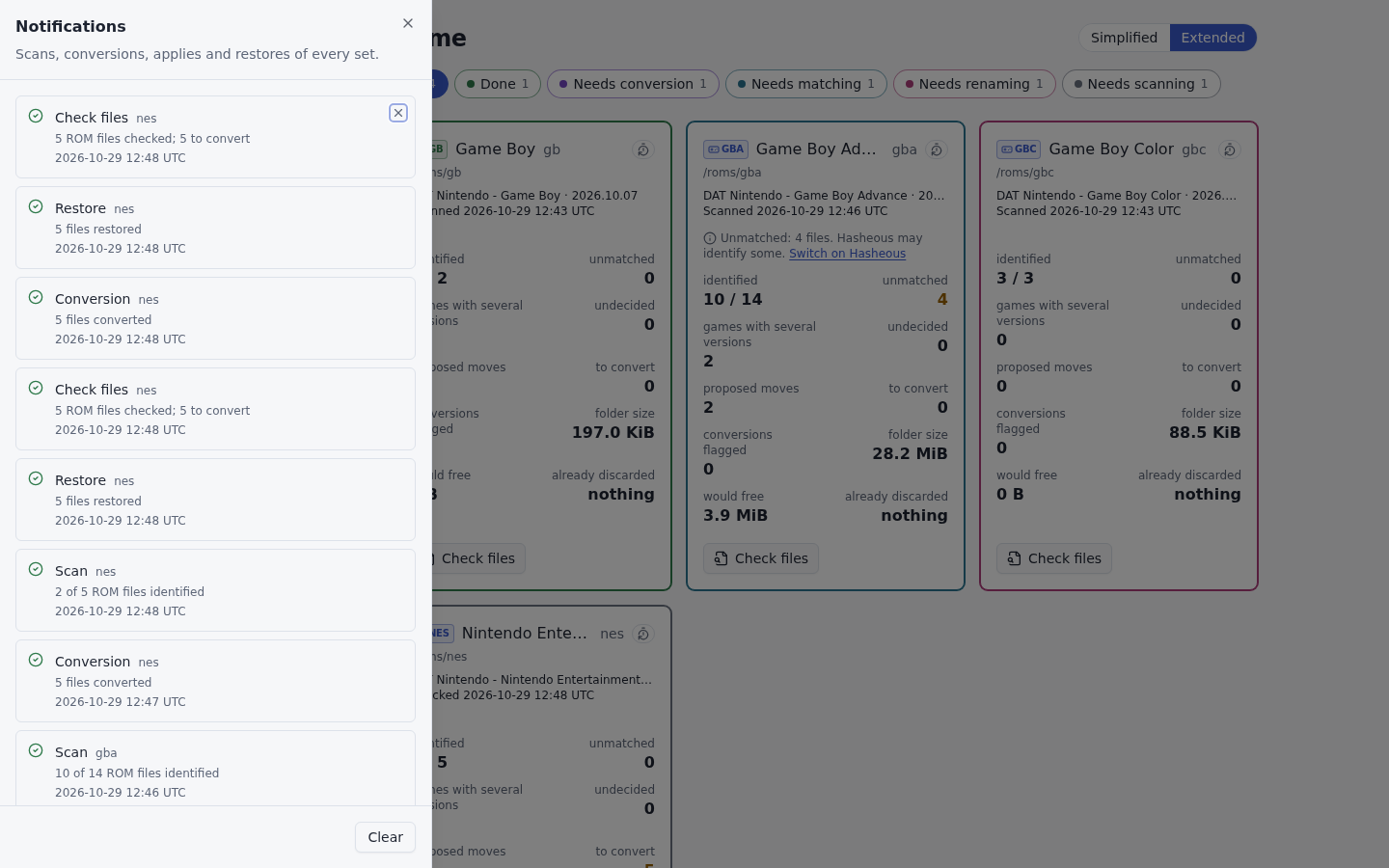
Progress and results also show under the bell.
How it works: Architecture, Romsets