Settings
Container settings are in compose.yaml or a .env next to it; everything else is in the web UI, saved to /data/library.yaml.
compose.yaml / .env
| Setting | Default |
|---|---|
ROMS: your ROM folder, mounted at /roms |
required |
More ROM folders: one volume line each, under /mnt/<name> |
none |
PORT |
8077 |
PUID / PGID: owner of moved and converted files |
1000 / 1000 |
Settings pages
| Page | Holds |
|---|---|
| Platform DATs | each platform’s DATs: download, upload, pick or pin a version, DAT order; No-Intro daily pack upload; Remove DATs |
| Which DATs to use? | each source on or off for every platform |
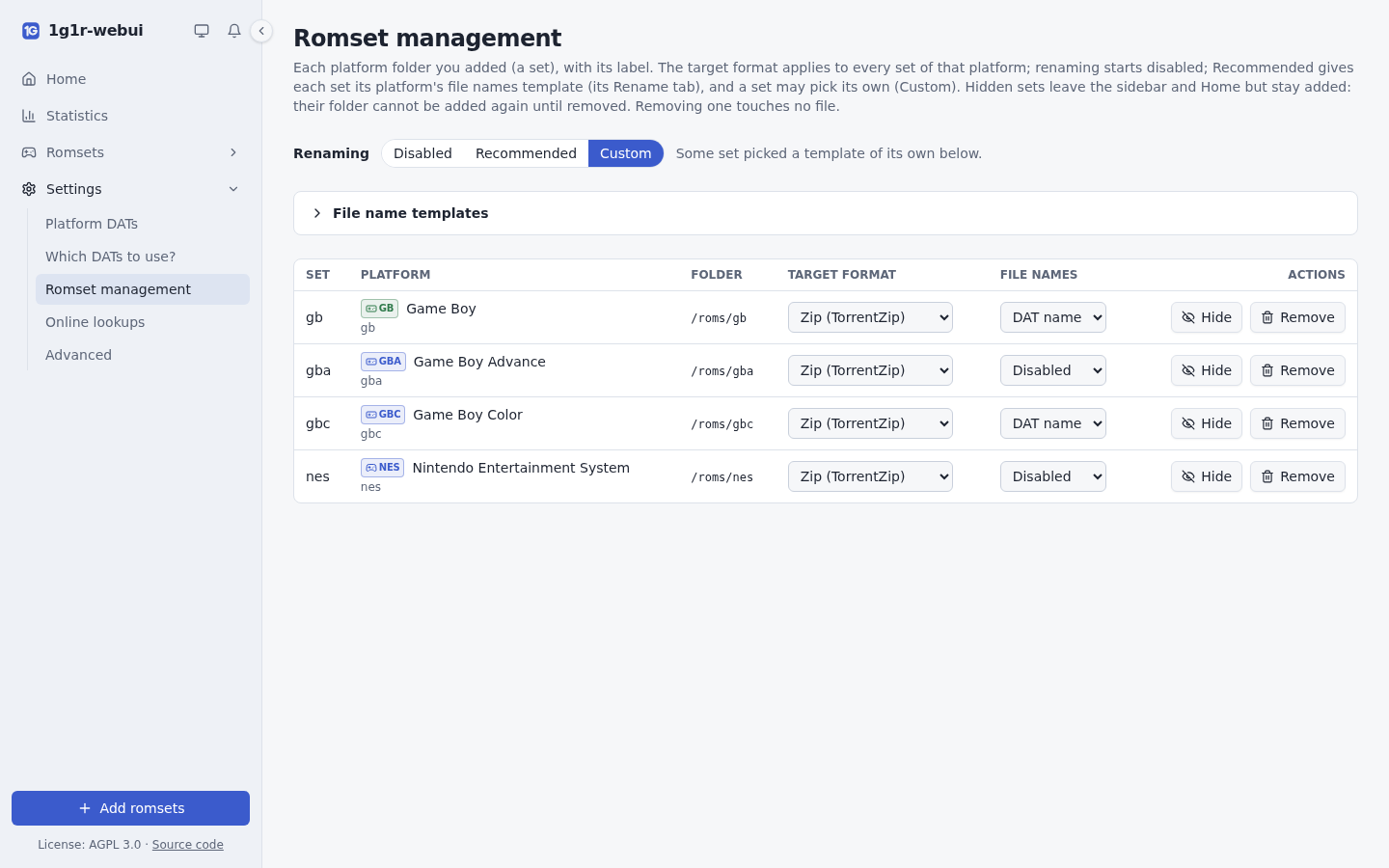
| Romset management | per set: target format (shared by the platform’s sets), file name template, hide, remove; renaming Disabled / Recommended |
| Online lookups | Hasheous on or off (off by default) |
| Advanced | parallel scans, parallel conversions, rows per page (50), auto-check interval (1440 minutes), igir threads per scan; the configuration in use |
On the set pages
| Setting | Tab |
|---|---|
Delete originals instead of moving them to discarded/ |
Conversion |
Console keys (boot9.bin, seeddb.bin) |
Conversion, 3DS sets |
| DAT order of the platform | Matching & 1G1R, next to Scan |
| Ranking: criteria, region and language priority | Matching & 1G1R |
| Kept version, manual matches | Matching & 1G1R table |
prod.keys, keeping older updates |
Updates & DLC |
| File name template | Rename |
| Ignored patterns and files | Ignored |
| Auto-check | badge on the set’s title line, or its Home card |
View choices (Simplified/Extended, Home badges, sidebar, table columns, the tour) stay in each browser.
How it works: Architecture